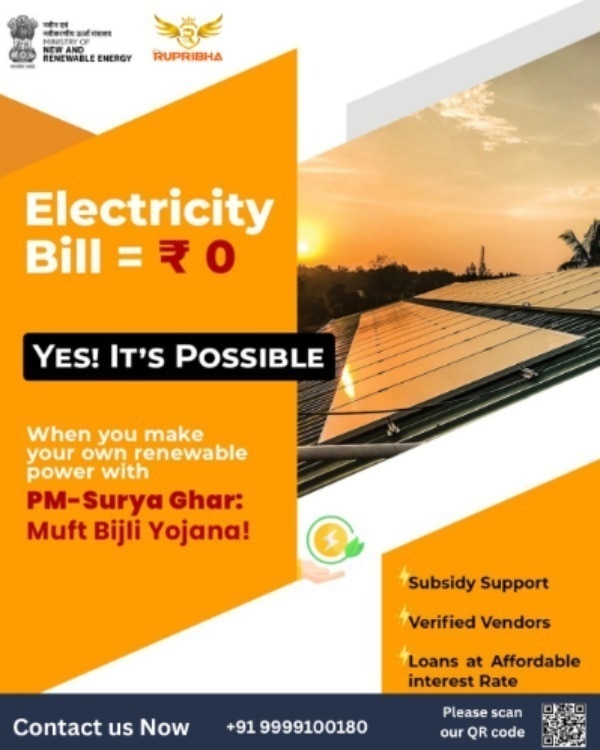
The ₹78,000 figure associated with a 3 kW rooftop system is the maximum central assistance under a specific capacity formula, not an automatic discount on every solar invoice. Before paying a vendor, you need to confirm that your electricity connection, roof, equipment, approvals, and bank details satisfy the PM Surya Ghar process and any Delhi-specific requirements.
Key takeaways
- Use a valid grid-connected residential electricity connection.
- Apply through the PM Surya Ghar portal and your serving DISCOM.
- Match the system size and subsidy calculation before installation.
- Keep invoices, commissioning records, and vendor details for tracking.
Who qualifies for residential rooftop-solar subsidy?
A residential rooftop solar subsidy claim starts with the electricity connection, not the roof alone. Under PM Surya Ghar eligibility, the applicant must be an individual household consumer with a valid grid-connected residential connection and must apply through the Ministry of New and Renewable Energy’s PM Surya Ghar portal and the serving DISCOM.
Commercial, industrial, and other non-residential connections do not qualify for central residential assistance.
Check these conditions before ordering equipment:
- The applicant’s name, consumer number, mobile number, and bank details must match the records required by the portal and DISCOM.
- The property must provide a lawful, usable roof or installation area, with ownership or occupancy evidence where requested. A tenant should obtain the owner’s written consent and confirm that the DISCOM accepts the tenant as applicant.
- The proposed system must meet the scheme’s module, inverter, interconnection, metering, and installation specifications. A panel count alone does not establish eligibility.
- The system capacity must fit the connection’s sanctioned load and the DISCOM’s technical approval. Request load enhancement first if the proposed plant exceeds that limit.
- An apartment or housing society must settle roof rights, common-meter ownership, electrical capacity, and generation allocation before applying.
Delhi solar subsidy eligibility depends on the serving DISCOM and the Delhi government or national programme rules in force when you apply. Check both the PM Surya Ghar portal and the DISCOM’s rooftop-solar portal; national approval does not automatically grant net metering or a Delhi rebate.
These are the basic gates for residential rooftop solar subsidy.
How is the subsidy amount calculated for different system sizes?
A 3 kW system is not compulsory. Under PM Surya Ghar: Muft Bijli Yojana, the solar subsidy calculation applies to eligible grid-connected residential systems below, at, or above 3 kW; central assistance stops increasing after 3 kW.
| Installed capacity | Central financial assistance | What it means |
|---|---|---|
| 1 kW | ₹30,000 | Assistance for the first 1 kW |
| 2 kW | ₹60,000 | ₹30,000 per kW for the first 2 kW |
| 3 kW | ₹78,000 | ₹60,000 for the first 2 kW plus ₹18,000 for the third |
| Above 3 kW | ₹78,000 maximum | Extra capacity receives no additional central CFA |
The ₹78,000 solar subsidy is a maximum, not a guaranteed percentage of your invoice. The central financial assistance rooftop solar scheme uses eligible capacity and benchmark-cost rules, so the approved amount can remain below your total purchase price.
The 3 kW solar subsidy covers the eligible rooftop generation system, not every item needed to complete the project. You pay separately for premium modules or inverters, batteries, roof or structural reinforcement, unusual mounting structures, wiring beyond the approved scope, electrical-load upgrades, civil work, and other non-eligible equipment.
A larger system can make sense when your sanctioned load, roof area, and daytime consumption justify it, but it will not increase central assistance beyond ₹78,000. Your DISCOM must also accept the interconnection and bidirectional-meter arrangement; subsidy approval alone does not authorise grid export.
What is the correct application and approval sequence?
Start on the National Portal for Rooftop Solar, not with a vendor’s invoice. The PM Surya Ghar application process begins when you register using your electricity-consumer number and mobile number, choose the rooftop-solar application, and submit the required connection and property details.
| Stage | Portal or department | What happens |
|---|---|---|
| Registration and application | National Portal for Rooftop Solar | Create the application, record its reference number, and submit the proposed system details. |
| Feasibility approval | Your DISCOM | The electricity distribution company checks sanctioned load, grid connection, and interconnection conditions. |
| Vendor selection | National Portal for Rooftop Solar | Select a portal-listed vendor after feasibility approval; agree the scope, equipment, price, and paperwork in writing. |
| Installation | Selected vendor | Install compliant modules, inverter, protection equipment, and mounting, then upload serial numbers, photographs, and invoices. |
| Inspection and metering | DISCOM | The DISCOM inspects the system, processes net metering approval, and installs or approves the bidirectional meter. |
| Commissioning and subsidy | DISCOM and portal | The DISCOM issues commissioning documentation; the portal processes subsidy release to the verified bank account. |
Do not treat a quotation or installation invoice as approval. Installing before the required feasibility approval can make the system ineligible for subsidy, while missing net metering approval can prevent export of surplus electricity even after installation.
Keep the application number, vendor agreement, serial numbers, inspection record, meter documents, commissioning certificate, and bank-submission details. State rebates or separate interconnection rules can require an additional application.
Which documents do you need, and how do you track a delayed application?
Save the application reference number as soon as the portal generates it. It is usually shown on the acknowledgement page, SMS, email, or downloadable application PDF; it is not the same as your electricity consumer number. Use both numbers when contacting the DISCOM.
Keep these solar subsidy documents in one folder, with file names showing the date and application number:
- Electricity bill showing the electricity consumer number and account-holder name
- Identity, ownership, or occupancy evidence requested for the premises
- Vendor agreement, invoices, commissioning certificate, and meter documents
- Module and inverter make, model, and serial numbers
- Installation and inspection photographs
- Bank account details, passbook or statement, and a cancelled cheque solar subsidy claim upload
- Inspection report, net-metering approval, and payment-submission acknowledgement
| Problem shown on the portal | Check first | Action |
|---|---|---|
| Name rejected | Applicant name differs from the electricity account or bank record | Ask the DISCOM whether correction, account transfer, or a fresh application is required |
| Bank details rejected | Account number, IFSC, name, or cancelled cheque does not match | Upload corrected bank proof and request revalidation |
| Inspection pending | Installation is complete but the inspection record is absent | Ask the vendor and DISCOM for the inspection date and report number |
| Payment pending | Commissioning is recorded but subsidy is not released | Submit the reference number and commissioning proof through the portal grievance route |
Check solar subsidy application status using the reference number, not only SMS alerts. If it remains unchanged, retain screenshots and acknowledgement numbers, then escalate to the DISCOM nodal officer or portal grievance desk.
How can you check a vendor and protect subsidy eligibility?
The lowest solar installation quotation is not the lowest project cost if the equipment fails subsidy checks. Before signing or paying, verify that the company is a registered solar vendor on the PM Surya Ghar portal and that its proposed modules, cells, inverter, and system design meet the portal and DISCOM requirements.
| Check | Compliant quotation | Risky low-price quotation |
|---|---|---|
| Portal status | Vendor appears in the applicant’s portal selection list | Vendor asks you to apply outside the portal or promises later registration |
| Equipment | Lists approved solar modules and inverters, model numbers, and ratings | Uses vague “Tier-1” descriptions or substitutes imported equipment |
| Domestic content requirement solar | Identifies eligible Indian-made modules and cells, with manufacturer details | Offers cheaper imported modules without written eligibility evidence |
| Paperwork | Names who handles feasibility, installation records, inspection, net-metering, and commissioning documents | Leaves you to correct rejected forms or missing test reports |
Ask the vendor to attach model numbers, serial-number records, warranty terms, and the applicable domestic-content declaration to the quotation. A quotation or invoice is not approval; installing before portal and DISCOM approval can make the system ineligible for CFA.
Before issuing the purchase order, confirm in writing:
- The quoted capacity does not exceed the capacity you intend to claim.
- The vendor will upload installation photographs, invoices, test certificates, and commissioning data.
- The DISCOM will approve the interconnection and bidirectional meter.
- Battery storage, protection equipment, and other excluded items are priced separately.
Rupribha Electricals (OPC) Private Limited is one vendor you can ask to identify each equipment model and paperwork responsibility line by line, rather than accepting a bundled price.
Related product
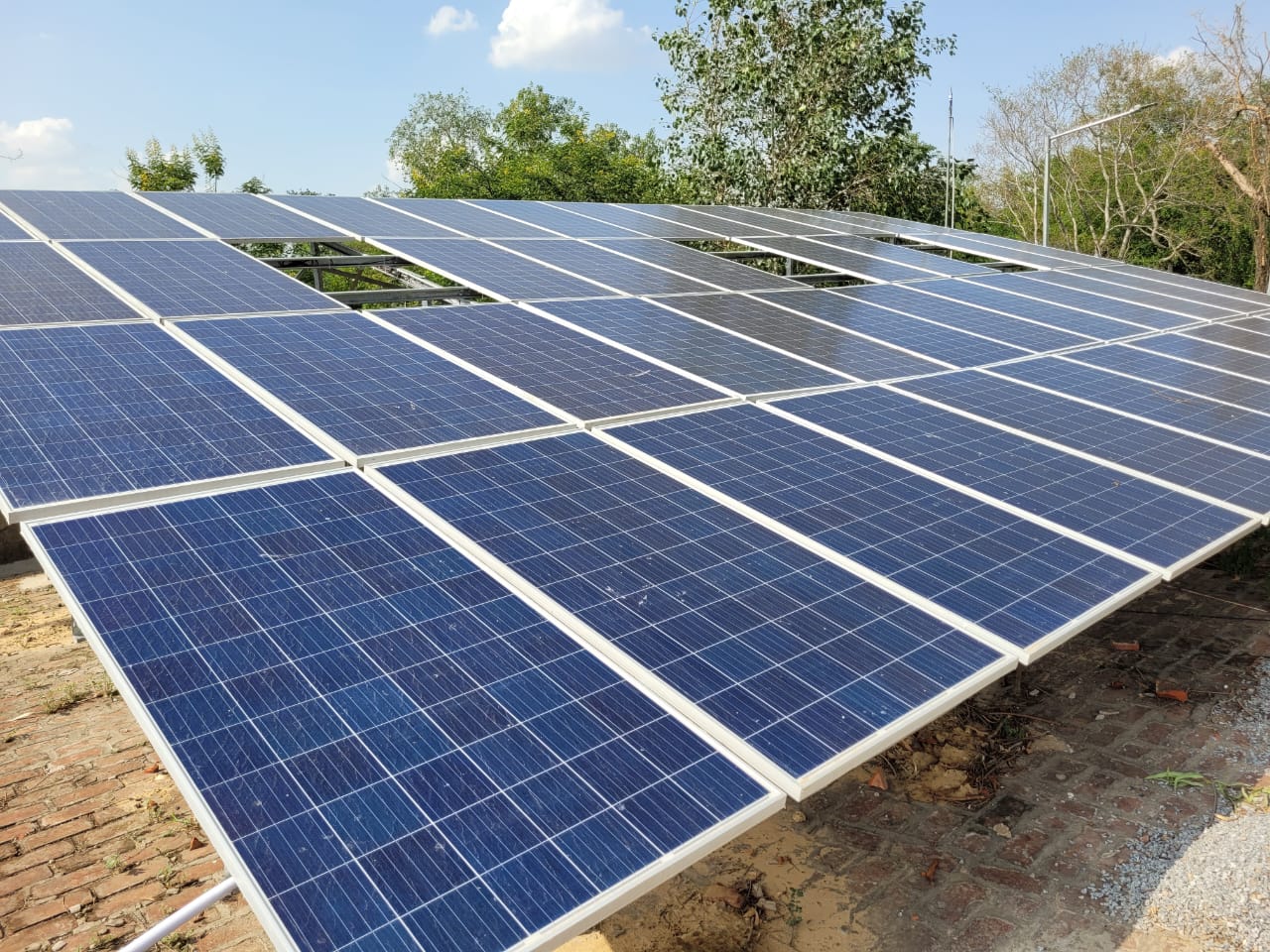 | Solar Products ₹200000 3KW Solar power plant subsidy based system in Delhi, you will get subsidy up to 78000/-Rs. View product → |
Frequently asked questions
Who qualifies for residential rooftop-solar subsidy?
An individual household consumer with a valid grid-connected residential electricity connection can apply under PM Surya Ghar through the official portal and serving DISCOM.
How is the subsidy amount calculated for different system sizes?
The subsidy depends on the eligible installed rooftop-solar capacity and the applicable PM Surya Ghar rate for each capacity band. Check the current portal calculation before approving the system size.
What is the correct application and approval sequence?
Register on the PM Surya Ghar portal, select an approved vendor, obtain DISCOM approval, install the system, complete inspection and commissioning, then submit the required details for subsidy processing.
Which documents do you need, and how do you track a delayed application?
Keep your electricity connection details, identity and bank information, vendor invoice, installation photographs, commissioning records, and DISCOM documents. Use the portal application number and DISCOM grievance channel to follow delays.
How can you check a vendor and protect subsidy eligibility?
Confirm the vendor appears in the approved-vendor list, compare the proposed capacity with your approved application, and retain the quotation, invoice, equipment details, warranties, and commissioning evidence.